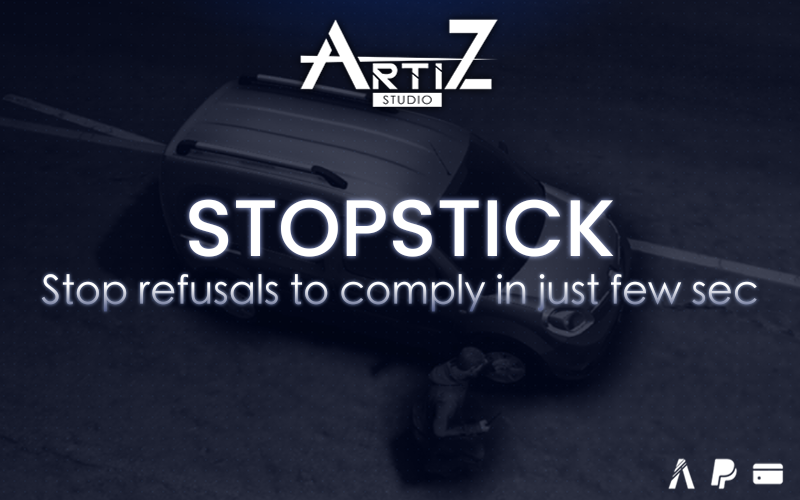
Stop Stick, police spike strip for ESX, QBCore, Qbox and standalone servers
This script adds a police spike strip to your server. The player takes it in hand, lays it across the road or throws it ahead. A vehicle that drives over it first loses grip, pulls toward the wheel that was hit, then ends up with a flat tire. Only the wheels in contact with the strip are affected, including on vehicles driven by NPCs.
How it works
The strip comes in two versions: single, or a pair joined end to end. A pair is placed and picked up as one piece. With ox_inventory, right-clicking the item offers to merge two strips or split a pair. A single strip never joins another one by itself.
To place it, the player presses E: a ghost appears in front of them, follows their character and rotates with the mouse wheel. To throw it, they aim with the right mouse button and throw with the left one. It lands where they are looking, up to 20 m away, along a small, almost flat arc, with no trajectory line displayed. If it hits a vehicle in flight, it drops beside it, never inside it.
Pickup is restricted to the jobs you choose, with a minimum grade. Picking up a strip puts it straight back in hand. With ox_target, the option only shows for authorized jobs; without it, the X key does the same and does nothing for other players. A strip held in hand never punctures a tire.
The server checks distance, job, item ownership and the delay between two actions.
Compatibility
The framework (ESX, QBCore, Qbox or none) and the inventory are detected at startup. Without an inventory, the /stopstick command puts the strip in hand (/stopstick pair for the pair); it can be disabled. In standalone mode, access is set with an ACE permission or a list of identifiers.
Required: OneSync.
Optional, detected automatically: ESX, QBCore or Qbox, ox_inventory, ox_target, ox_lib for notifications.
What’s included
The full script (client, server, shared) is protected by escrow. config.lua and the translations (French and English, in locales/) stay editable. The stopstick 3D prop is provided with its collision, along with inventory images for both items. A variety of animations round out the experience. An installation guide gives the item definitions for ox_inventory, QBCore, Qbox and ESX.
Installation and use
- Add both items to your inventory and the license key to server.cfg.
- Start the resource after the framework and the inventory.
- The player uses the item (or the command) to take the strip in hand.
- They place it with E, or throw it with right click then left click.
- An authorized player picks it up with ox_target or the X key.
License
Your purchase is valid for you and your server. Reselling, sharing and redistributing the script is prohibited.